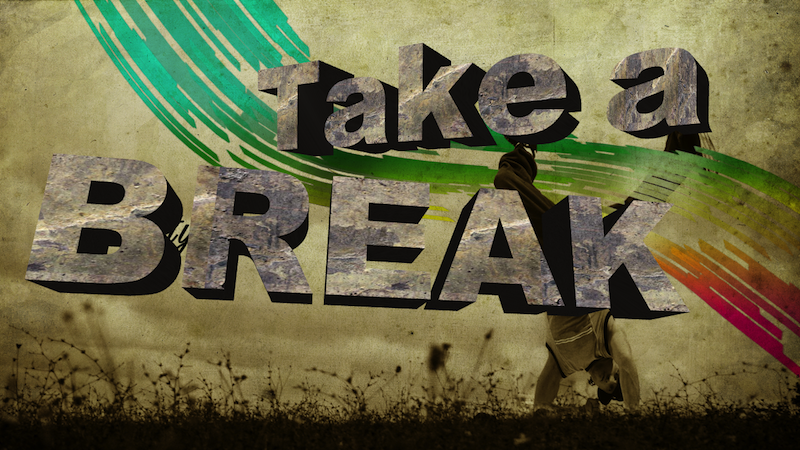
“Create beautiful logos and 3D text with the Aurora 3D Text & Logo Maker for your Windows PC.” by Solomon Arnett Until now, there hasn’t been a truly 3D text and logo creation focused application. Usually, when users would like to create professional logos or 3D text, they would be forced to utilize a program...
Category: Aurora 3D Text & Logo Maker
3D Logos erstellen – Aurora 3D Text & Logo Maker
Presentation-3D bietet die Software Aurora 3D Text & Logo Maker zur Erstellung eigener 3D-Logos an. Wie solch ein Text-Logo in 3D erstellt wird, möchte ich nun am Beispiel des 30th Century – Logos erklären. Zuerst starten Sie die Software Aurora 3D Text & Logo Maker. Sie können nun eine Design-Vorlageauswählen oder wie ich für das Beispiel ein leeres Projekt öffnen. Im folgenden...
How to Change 3D object’s Rotate Center by Aurora3D Software
1. Actually our software can’t change the center of object, but we can change center of a group. So we can create a transparent object and make a group with any object, then change the rotate center for the group. 2. For example, if we want to change the center of this “Metal” text. First,...
How to Distort and Relatively move your 3D Design in Aurora3D
1. Sometimes, we need make some special shape and text, our products provide some distort and relatively move, rotate function between shape and text. In this tutorial, we can learn how to make it. First, we can create a object, has a shape and text. 2. Select the object, and switch to “Design” tab. Set...
How to use Freehand Shape to create Special 3D Object
1. When you need draw a shape by yourself, you can use the freehand tool. You can free to draw some special shape with your mouse. Create point and link it with Bezier. First, click the freehand button on the left toolbar. 2. On the freehand shape dialog, we can create some shapes or import...